// Driver_Node_Operation_Guide
SmartDriver
Manual.
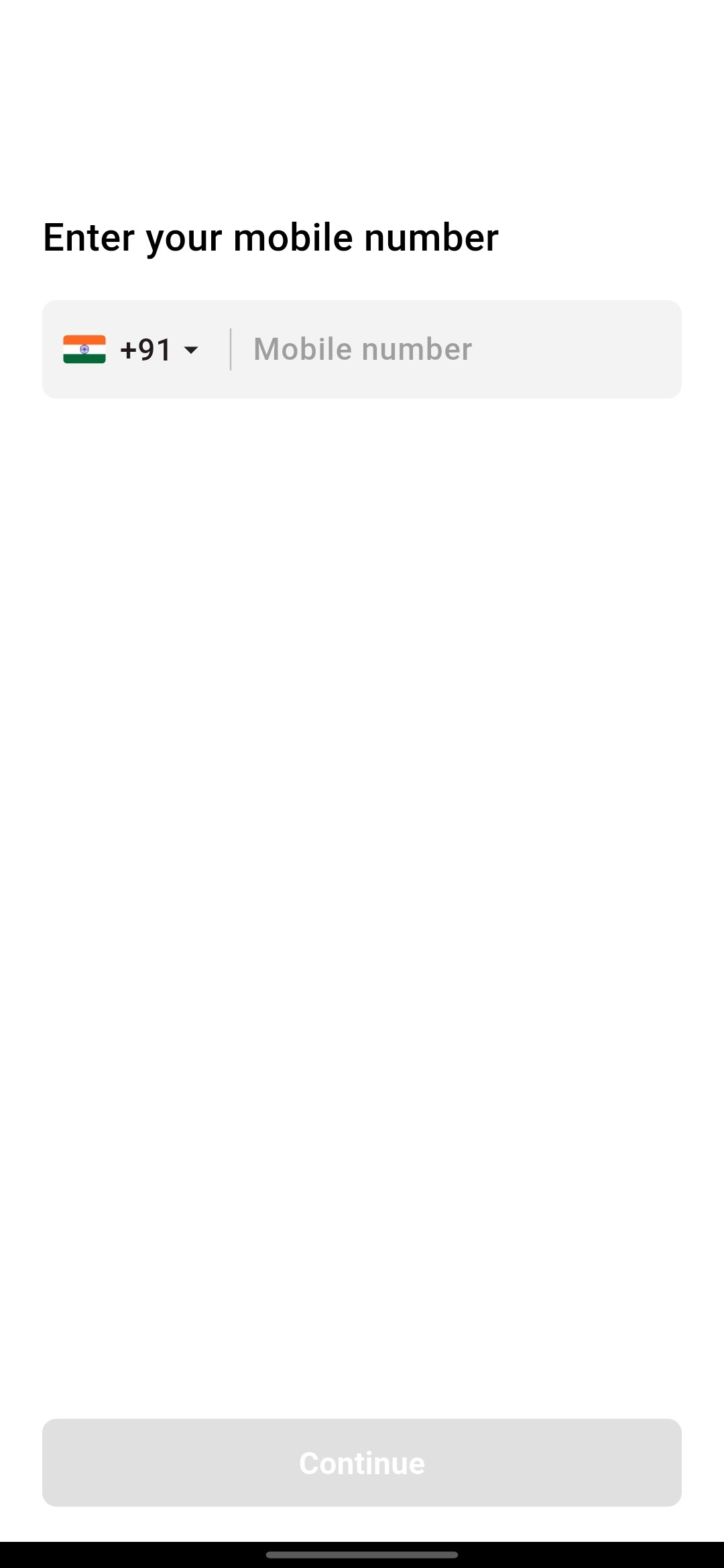
Secure Login
Your journey begins with a secure mobile-verified login. Enter your 10-digit registered number and verify the 6-digit code to access your terminal.
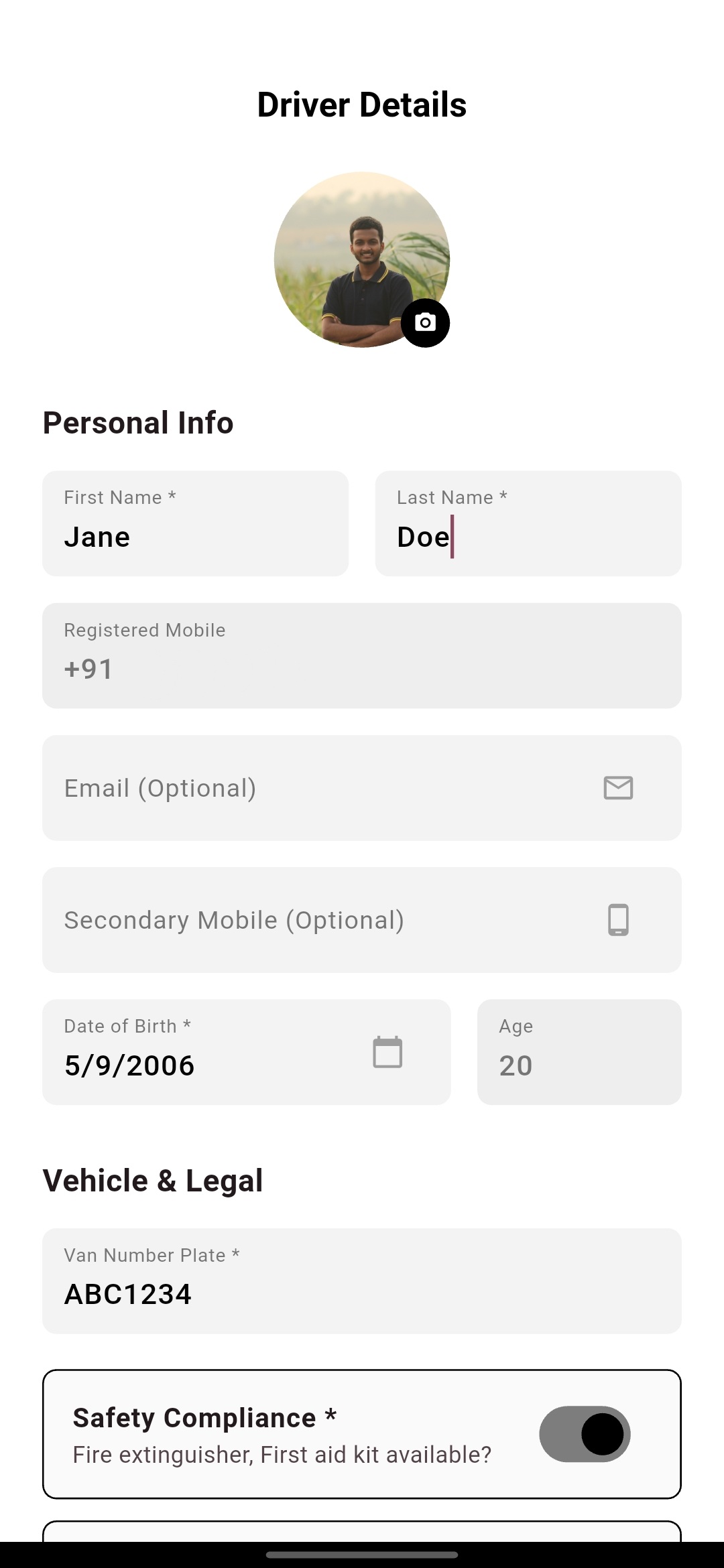
Driver Registration
Set up your professional profile by entering your vehicle registration info, seating capacity, and driver details so parents can easily identify your van.
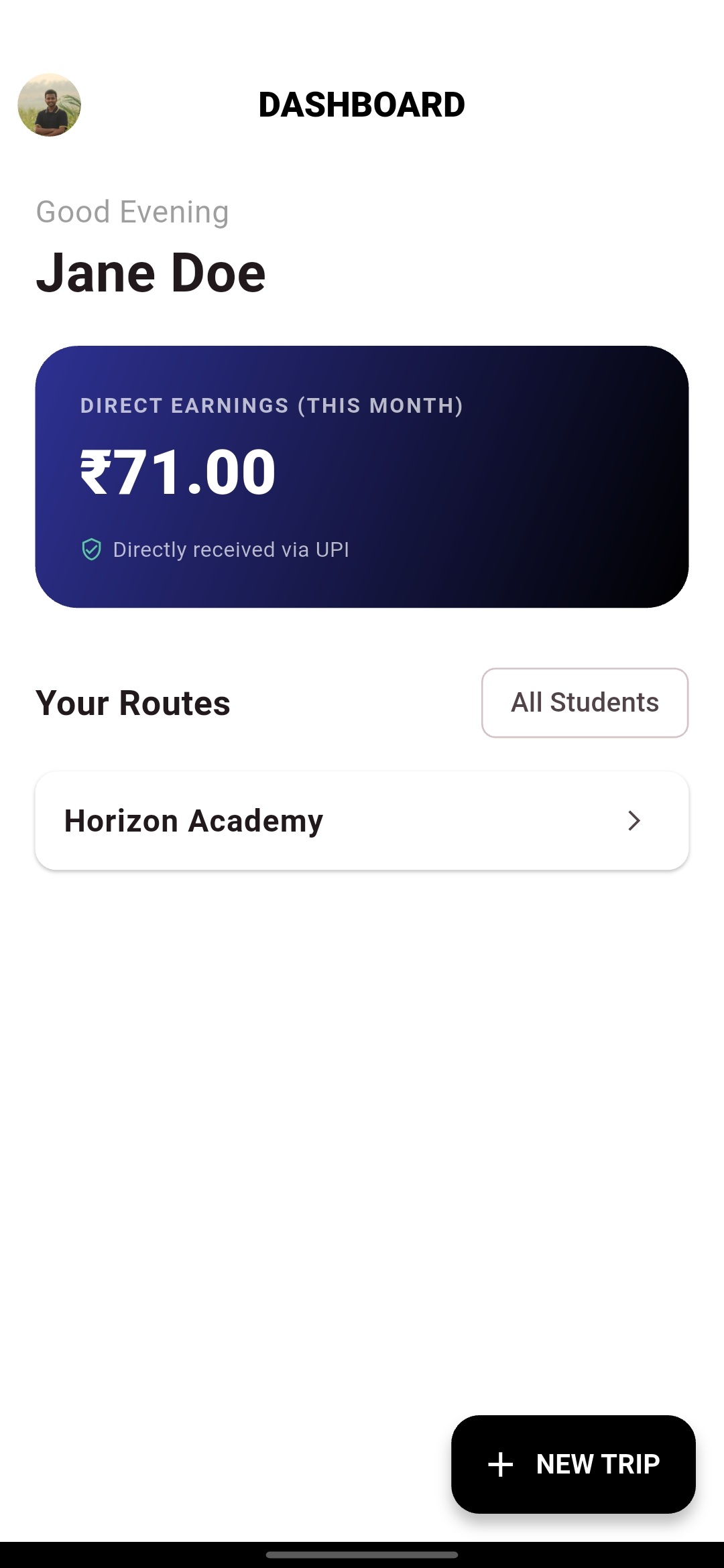
Driver Dashboard
The command center for your earnings and routes. Track monthly UPI payments at a glance and initiate new trips with the '+' button.
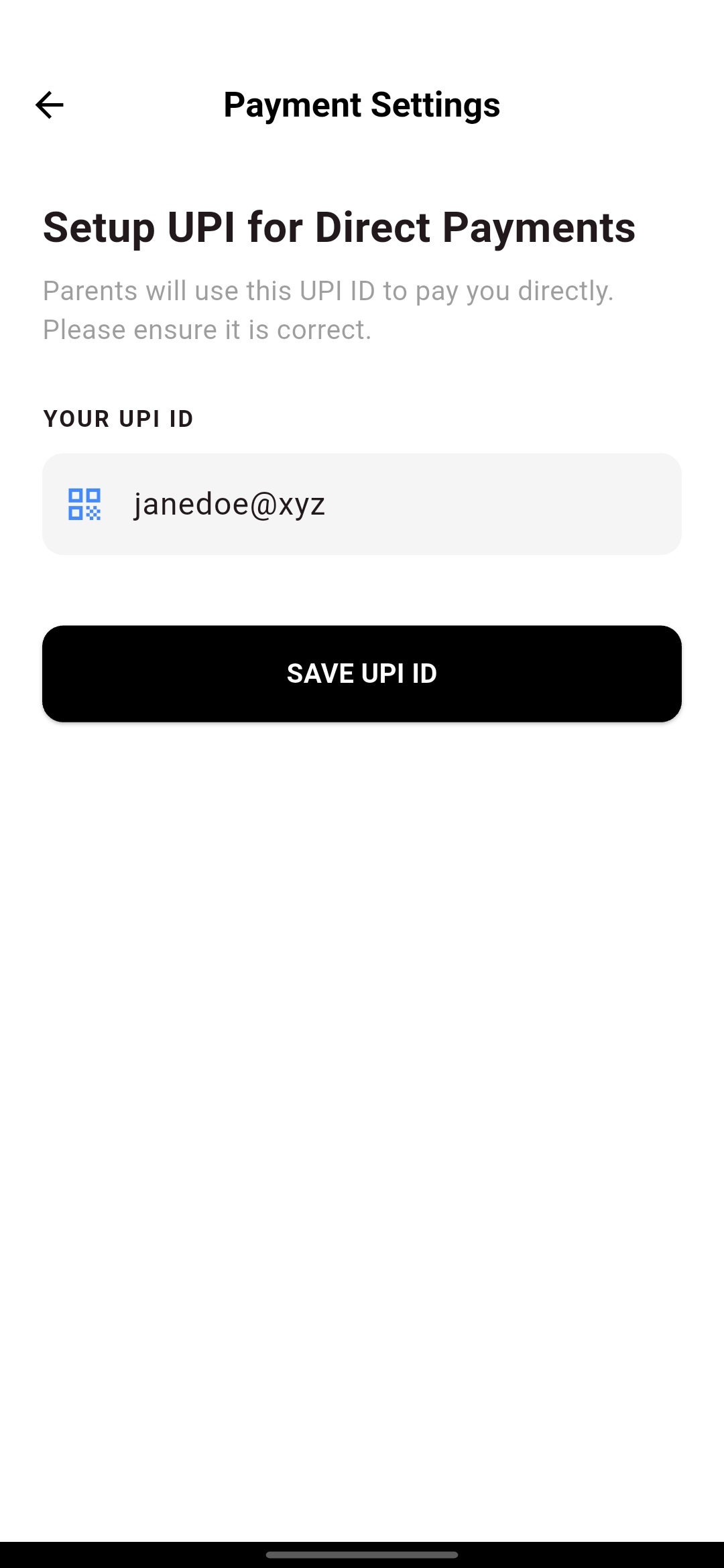
Direct UPI Setup
Configure your payment details to receive fees directly. Enter your personal UPI ID and verify it carefully before saving to prevent errors.
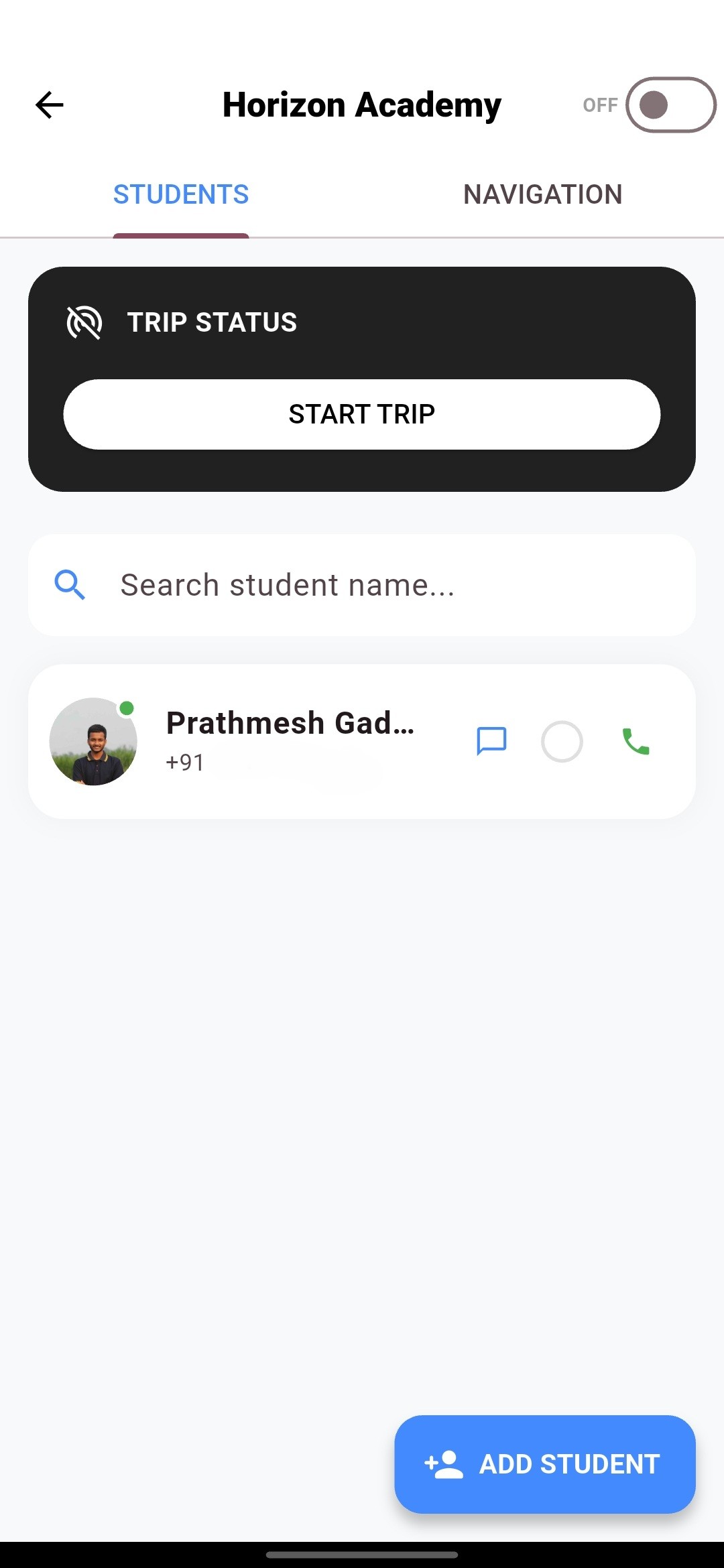
Managing Students
Tap START TRIP to notify parents. Manage your manifest with quick-action icons for direct chat, attendance logging, and instant calling.
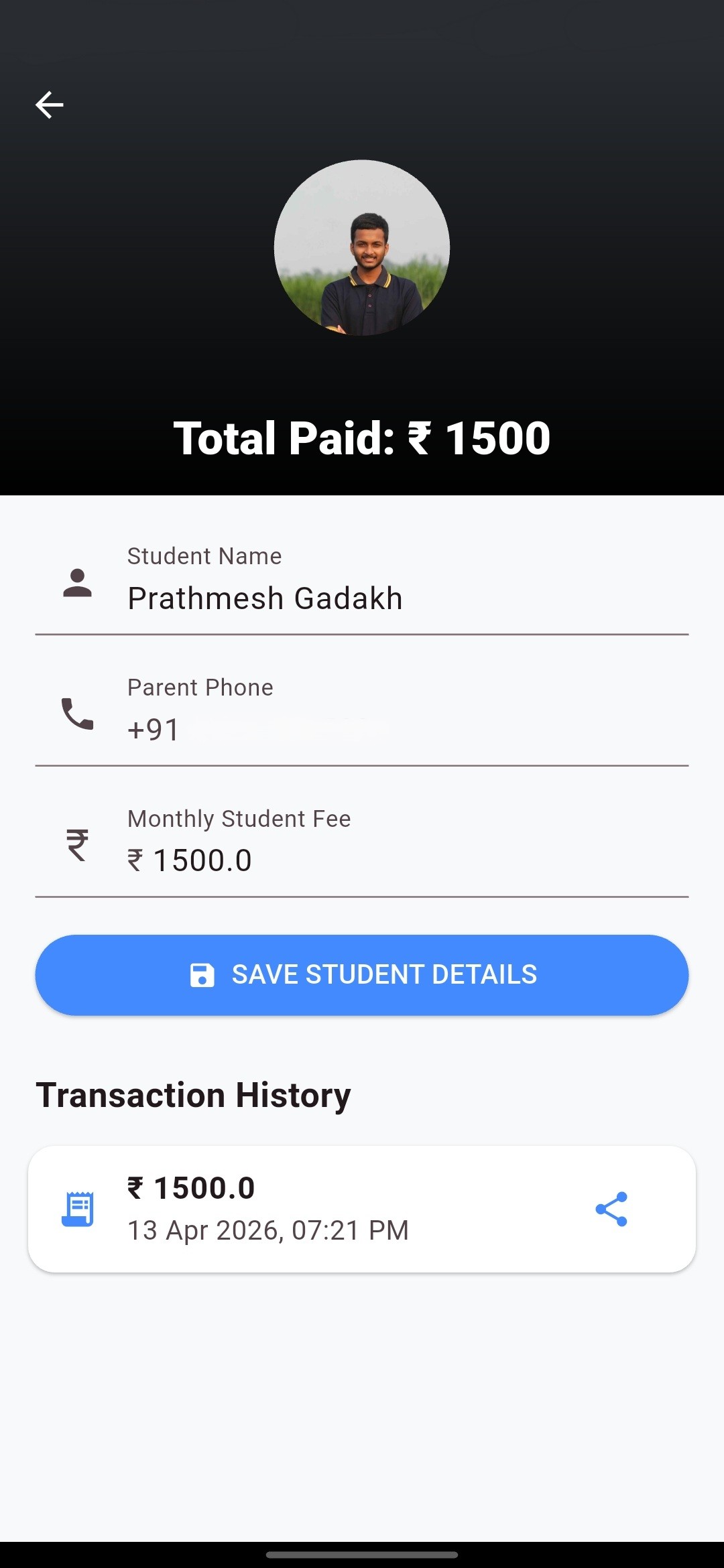
Student Details & Fees
View individual student profiles and agreed monthly fees. Track transaction history and share digital receipts instantly via the share icon.
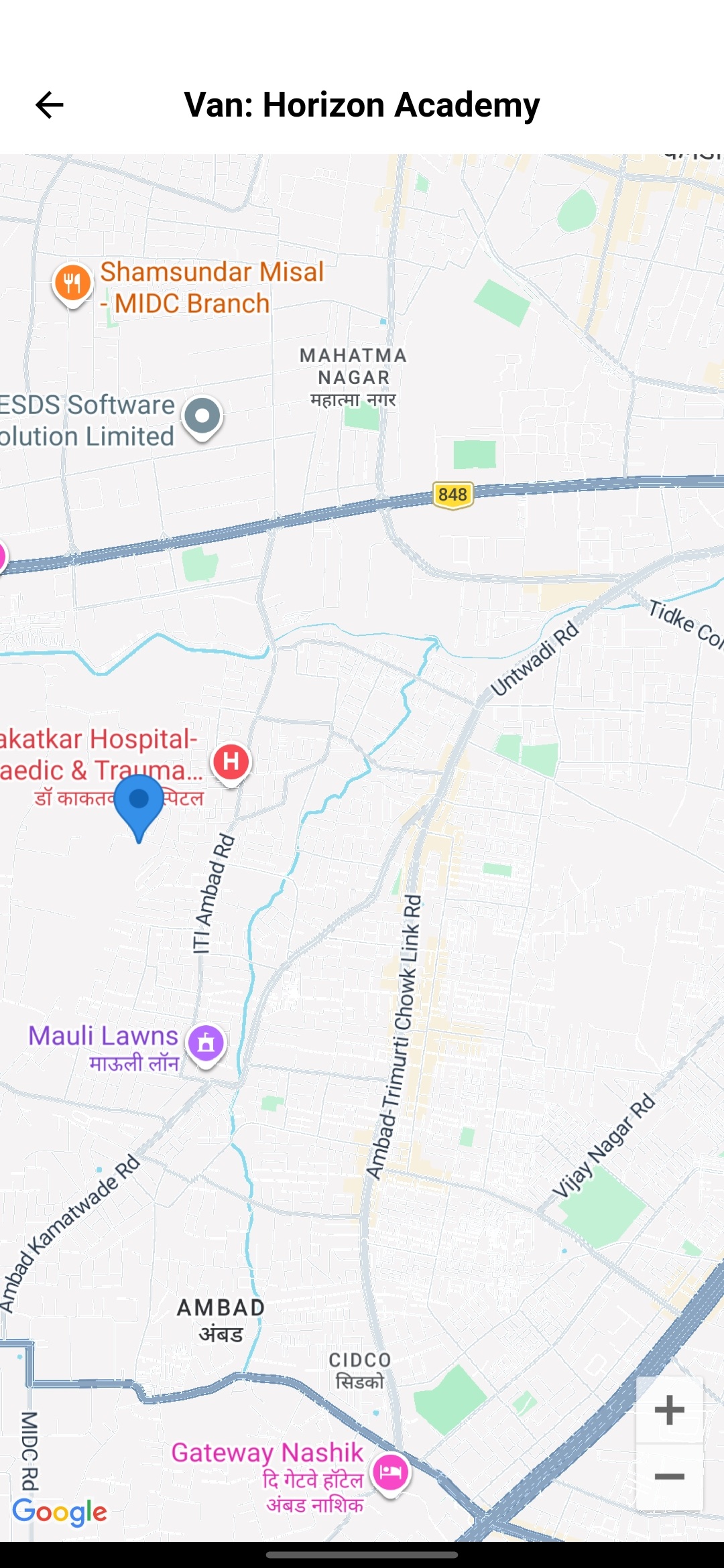
Real-Time Navigation
Stay on path with high-precision GPS. View student pickup points on the live map or export your route directly to Google Maps.